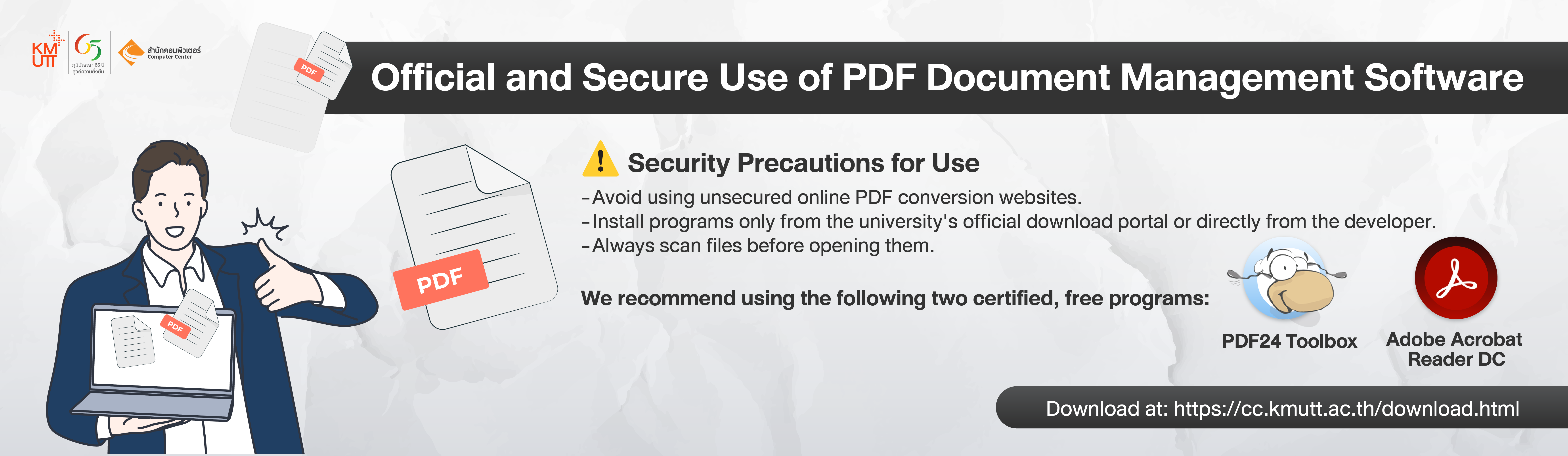
In an era where digital documents in PDF format play a vital role in daily operations, ranging from report preparation and document submission to official approvals, the Computer Center has established standard guidelines for selecting and using PDF management software. These guidelines aim to ensure that all staff members can work efficiently, accurately, and securely in managing institutional data.
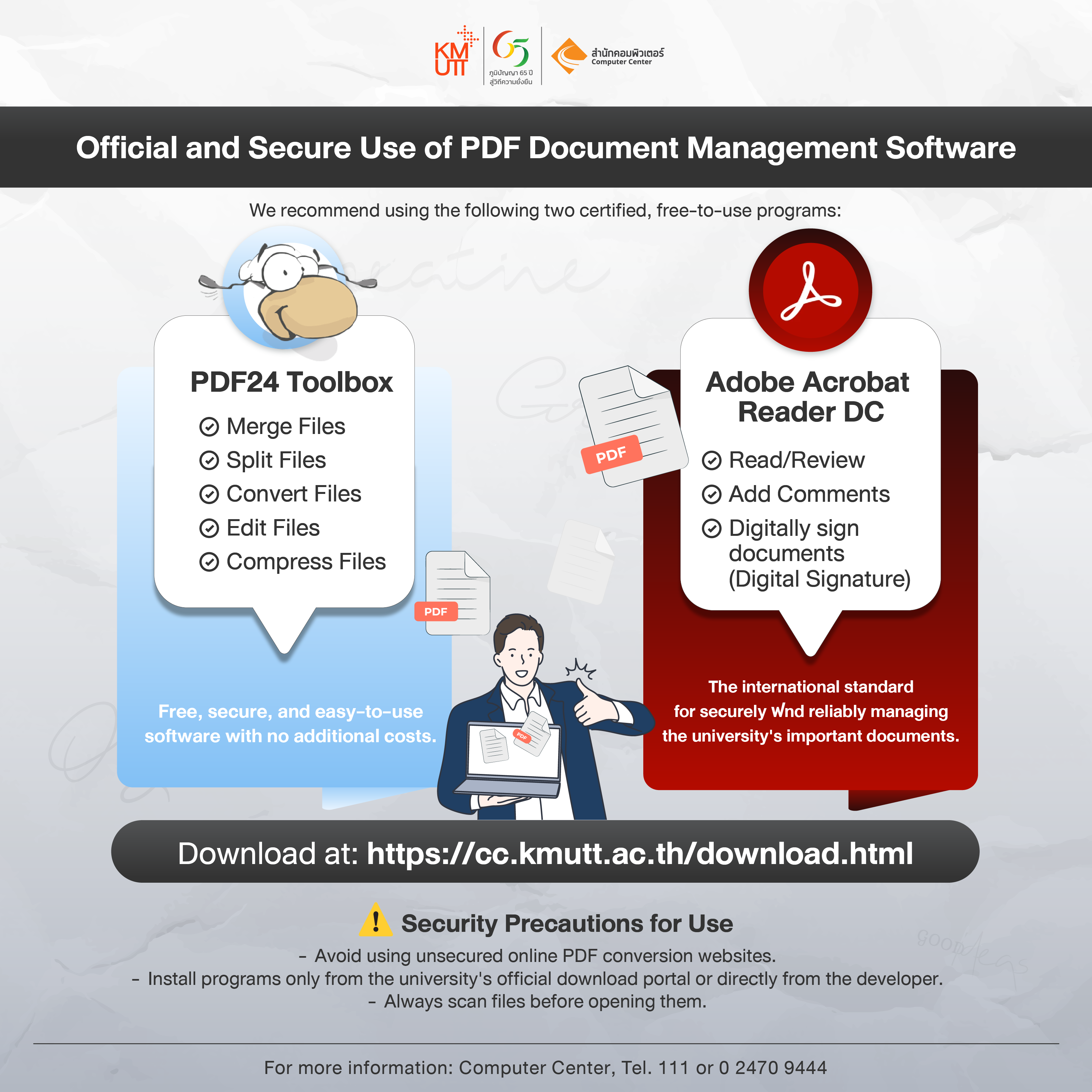
To promote appropriate and safe usage, the Computer Center recommends two certified free software programs as follows:
1. PDF24 Toolbox
A free all-in-one PDF management tool that allows you to handle various document-related tasks efficiently.
Recommended for tasks that require creating, editing, or converting PDF files, such as:
• Merging multiple PDF files into one
• Splitting a PDF file into separate parts
• Compressing file size for easier email delivery
• Converting files between PDF and Word / Excel / PowerPoint / JPG formats
• Adding, deleting, or reordering pages within a PDF
• Setting passwords to restrict access and enhance document security
Recommendation:
Use PDF24 Toolbox for any work involving PDF management or conversion. It is free, safe, user-friendly, and requires no additional cost.
Why this software is recommended:
Installing a desktop application is safer than using online file-conversion websites, which may pose risks of data leakage or malware infection.
Download:https://cc.kmutt.ac.th/download.html
User Guide: https://kmutt.me/7qjr8gy
2. Adobe Acrobat Reader DC
An International Standard for Reading, Reviewing, and Signing PDF Documents This software is recommended for tasks that involve viewing, reviewing, commenting, or signing PDF documents, such as:
• Opening and reading PDF files
• Adding comments or sticky notes
• Highlighting or underlining important text
• Filling out information in PDF forms
• Applying a Digital Signature using a certificate to verify identity and ensure the document’s legal validity
Recommendation:
Use Adobe Acrobat Reader DC for reviewing and signing documents. It is a globally recognized, reliable, and secure software solution designed for handling official and confidential PDF documents.
Download:https://cc.kmutt.ac.th/download.html
User Guide: https://kmutt.me/7qjr8gy
Summary: Choose the Right Tool for the Right Task
• If you need to manage or convert PDF files, such as merging, splitting, converting, or compressing, use PDF24 Toolbox, a free, comprehensive, and secure tool that is easy to use and ideal for document editing and conversion.
• If you need to view, comment on, or sign PDF documents, use Adobe Acrobat Reader DC, an international standard for secure and reliable document review and digital signing, particularly for official or legal documents that require verification through a Digital Signature.
Security Precautions
- Avoid uploading official or sensitive documents to online PDF conversion websites that are not certified as secure.
- Install the software only from official or trusted sources, such as the university’s website or the vendor’s official site.
- Always scan and verify files before opening them to prevent potential malware or document tampering.
 TOP
TOP